
If your DEWALT power tool isn’t charging, it can be frustrating, especially when you’re in the middle of a project. This guide provides practical, step-by-step instructions to diagnose and fix common charging problems. Remember, safety comes first—always unplug your tool before inspecting or handling batteries.

Get tools and workshop supplies delivered free — and shop member deals
- Fast, free delivery on millions of items
- Access to Prime Big Deal Days deals on October 6–7
- Prime Video, Amazon Music and more included
Follow these steps carefully to restore your DEWALT cordless drill to full working order and ensure your batteries are charging properly again.
Key Takeaways
| Check the Battery & Charger Connection | Ensure batteries are properly seated and charger contacts are clean. |
| Inspect for Damage | Look for visible damage or corrosion on the battery and charger. |
| Test with a Known Good Battery/Charger | Identify if the issue is with the battery or the charger. |
| Reset and Clean Contacts | Clean contacts with a dry cloth or alcohol wipe to improve connection. |
| Replace if Necessary | Use compatible batteries or chargers if current ones are faulty. |
Step 1: Safety First
Before beginning, unplug the charger from the power outlet and remove the battery from the tool. Wear safety gloves if necessary, and work in a well-lit, dry area to prevent electrical hazards.
Step 2: Check the Battery and Charger Connection
- Ensure the battery is fully seated in the charger and the tool.
- Inspect the charger contacts and battery terminals for dirt, debris, or corrosion. Clean them gently with a dry cloth or a small brush.
Step 3: Inspect for Damage
Examine the battery and charger for any visible damage such as cracks, bulges, or corrosion. Do not attempt to charge damaged batteries, as they can be unsafe.
Step 4: Test with a Known Good Battery or Charger
If possible, try charging a different battery with the charger, or use your battery with a different charger. This helps identify whether the problem lies with the battery or the charger.
Step 5: Reset and Clean Contacts
- Unplug the charger from the power outlet.
- Clean the contacts on both the battery and charger thoroughly with a dry cloth or alcohol wipe.
- Reconnect and attempt to charge again.
The Products in This Guide

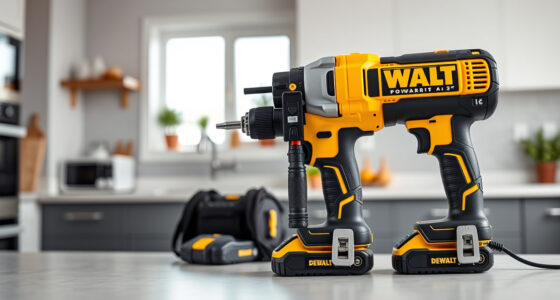
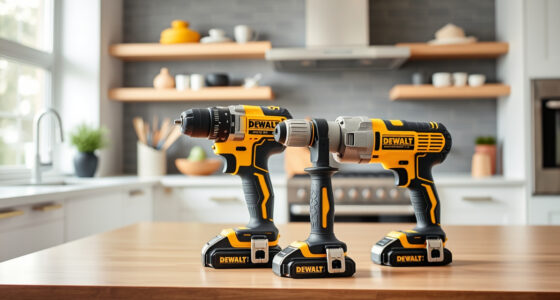
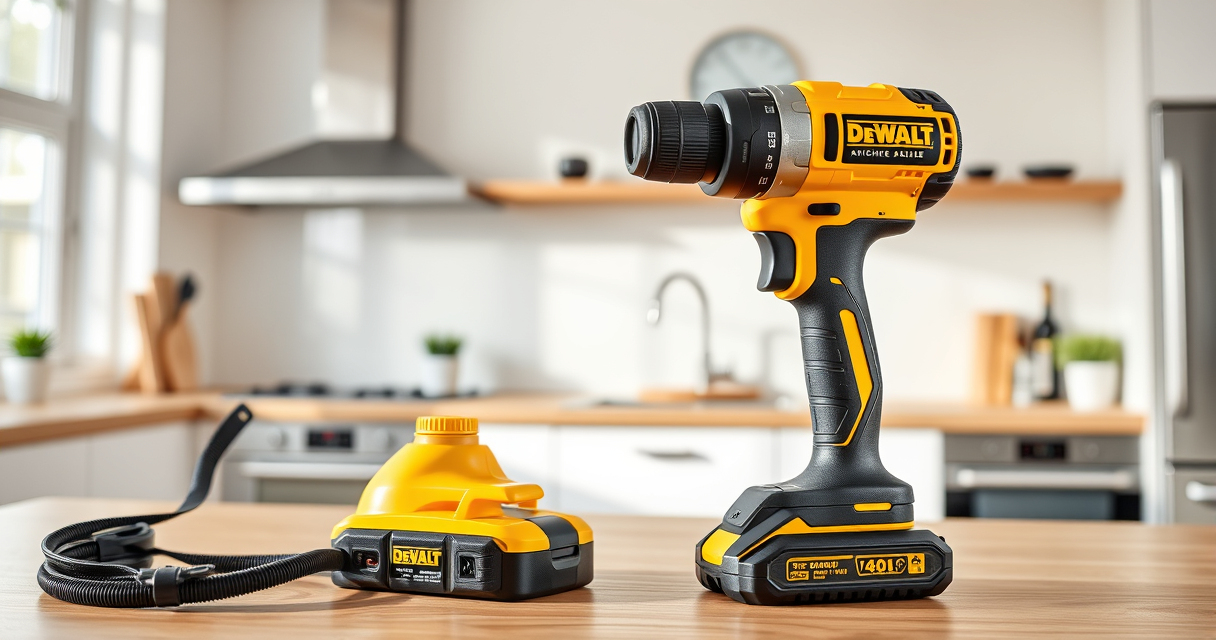
DEWALT 20V MAX Cordless Drill Driver Set
- ✔ LED Light: Yes
- ✔ Transmission: 2-speed
- ✔ Chuck Type: Single-sleeve ratcheting

DEWALT Drill Bit Set
- ✔ Tip Type: Split point
- ✔ Shank: 3-flats
- ✔ Coating: Rust-resistant
DEWALT 20V MAX Cordless Drill Driver Set
The DEWALT 20V MAX Cordless Drill Driver Set is a dependable tool that benefits from proper battery charging practices. If your batteries aren’t charging, following these troubleshooting steps can help restore functionality without replacing parts prematurely.
Pros:
- Excellent build quality
- Compatible with 20V MAX system
- LED indicator for charge status
- Lightweight and ergonomic design
Cons:
- Charging issues can occur if contacts are dirty
- Battery replacement may be needed over time
- Requires careful handling of sensitive parts
Best for: DIYers and professionals needing reliable cordless power tools
Not ideal for: If batteries or charger are physically damaged or beyond repair
Bottom line: Maintaining clean contacts and inspecting your batteries regularly can prevent charging issues with this dependable drill set.
DEWALT Drill Bit Set
The DEWALT Drill Bit Set complements your cordless drill perfectly, providing durable, rust-resistant bits for various materials. Having sharp, reliable bits reduces strain and speeds up your work, especially if your drill needs to work harder due to battery or power issues.
Pros:
- High-speed steel construction
- Rust-resistant coating
- Includes sizes for multiple tasks
- Split point tips for precision
Cons:
- Limited to drilling only
- Not suitable for heavy-duty industrial use
- Bits can dull over time with frequent use
Best for: Home improvement projects and general-purpose drilling
Not ideal for: Heavy industrial drilling or metalworking
Bottom line: This drill bit set offers great durability and precision, making it a valuable addition to your toolkit.
Frequently Asked Questions
Why is my DEWALT battery not charging?
Common reasons include dirty contacts, damaged batteries, faulty charger, or a power source issue. Follow the troubleshooting steps to identify the cause.
How do I clean the contacts on my battery and charger?
Use a dry cloth or alcohol wipe to gently clean the metal contacts. Avoid abrasive materials to prevent damage.
Can I leave my batteries on the charger overnight?
Yes, DEWALT chargers are designed to prevent overcharging. However, it’s best to remove batteries once fully charged to prolong their lifespan.
What should I do if my charger or battery appears damaged?
Stop using the damaged component immediately. Contact DEWALT customer support for replacement options or professional repair services.
Keeping Your DEWALT Tools Charging Smoothly
Regularly inspecting and maintaining the contacts, using compatible batteries and chargers, and avoiding damage can help ensure your DEWALT power tools charge properly. If problems persist despite troubleshooting, consider replacing faulty batteries or chargers to keep your projects on track.
Affiliate disclosure: As an Amazon Associate we earn from qualifying purchases. Prices and availability are accurate as of the time of publishing.
Fall yard work Picks
leaf blowers
As an affiliate, we earn on qualifying purchases.