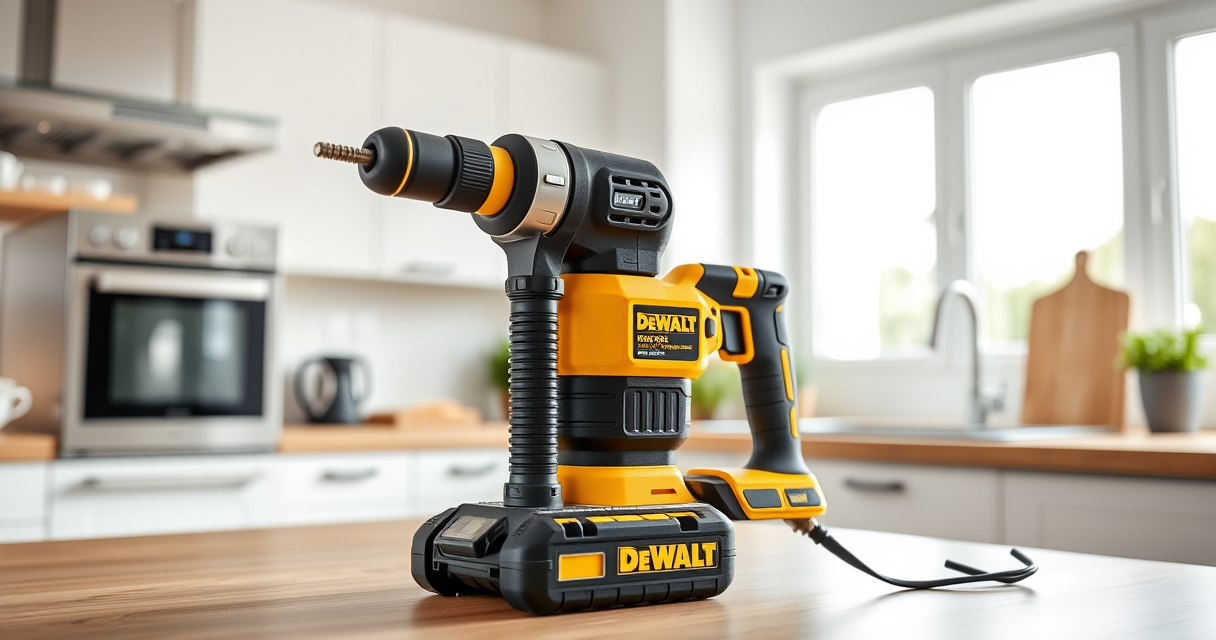

If your DEWALT power tools are overheating, it can lead to decreased performance, potential damage, and safety concerns. Understanding the causes and knowing how to troubleshoot can extend your tool’s lifespan and ensure safe operation.

Get business pricing on tools and workshop supplies
- Business-only prices and quantity discounts
- Tax-exempt purchasing
- Multiple users, one account, clear invoices
This guide provides clear, practical steps to identify overheating issues and apply effective fixes, specifically focusing on the DEWALT 20V MAX Cordless Drill and Impact Driver.
Key Takeaways
| Overheating signs | Tools become hot to touch, slow operation, or stop unexpectedly. |
| Common causes | Overworking, poor ventilation, or using incompatible batteries. |
| Preventive measures | Allow cooling time, avoid continuous high-load use, and maintain cleanliness. |
| Troubleshooting steps | Check for debris, inspect battery connections, and test with a different battery. |
| When to seek professional help | Persistent overheating despite fixes or signs of internal damage. |
Identify Overheating Symptoms
- Feel the tool’s body—excessive heat indicates overheating.
- Notice if the drill slows down or stops during use.
- Check for burning smell or smoke from vents or motor area.
Stop Use and Allow Cooling
- Immediately disconnect the battery to prevent damage.
- Place the tool in a cool, well-ventilated area.
- Allow at least 15-30 minutes for cooling before inspection.
Inspect and Clear Blockages
- Remove the battery and any attached accessories.
- Use compressed air or a soft brush to clear dust and debris from vents and motor housing.
- Check for any visible damage or loose parts.
Check Battery and Connections
- Ensure the battery is properly seated and contacts are clean.
- Test the tool with a different, fully charged battery if available.
- Replace the battery if it appears swollen or damaged.
Prevention Tips for Overheating
- Avoid continuous use on high loads; give the tool regular breaks.
- Work in well-ventilated areas to help dissipate heat.
- Keep vents clean and free of dust and debris.
- Use the correct bit and setting for your task to reduce strain.
The Products in This Guide

DEWALT 20V MAX Cordless Drill and Impact Driver
- ✔ Length: 7.6 inches
- ✔ Includes: 2 batteries, charger, bag
- ✔ Warranty: 3 years

DEWALT Drill Bit Set
- ✔ Application: Plastic, wood, metal
- ✔ Web design: Tapered for durability
- ✔ Size markings: On shank
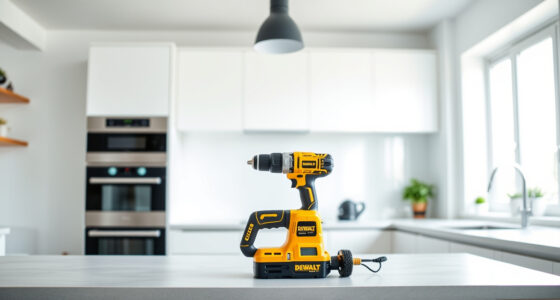
DEWALT 20V MAX Cordless Drill and Impact Driver
The DEWALT 20V MAX Cordless Drill and Impact Driver set offers reliable performance with a lightweight, ergonomic design. It features brushless motors for efficiency and includes two batteries for extended work sessions, making it ideal for various projects.
Pros:
- Lightweight and compact design
- Brushless motors for efficiency
- Includes two batteries and charger
- Bright LED for visibility
Cons:
- Battery life may vary under heavy load
- Limited to 20V MAX system
Best for: DIYers and professionals needing versatile, portable power tools
Not ideal for: Heavy-duty continuous industrial use
Bottom line: A reliable, compact combo kit suitable for a wide range of projects.
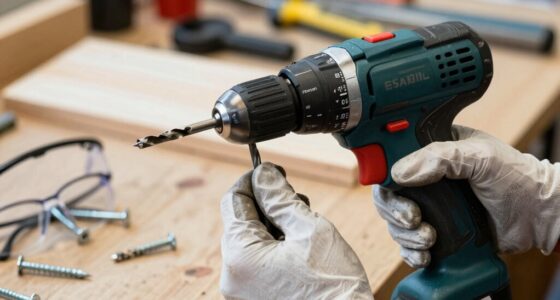
DEWALT Drill Bit Set
This DEWALT Drill Bit Set offers durable, high-speed steel bits with a 135-degree split point, perfect for plastic, wood, and metal. Its reliable design makes it a must-have for any toolkit.
Pros:
- Durable high-speed steel
- Split point reduces walking
- Includes various sizes
- Rust-resistant coating
Cons:
- Limited to drilling only
- No impact driver features
Best for: Home improvement and light construction projects
Not ideal for: Heavy industrial drilling
Bottom line: A versatile and durable drill bit set for multiple materials.
Frequently Asked Questions
Why is my DEWALT drill overheating during use?
Overheating can result from overworking the tool, poor ventilation, debris buildup, or using a battery with insufficient charge. Ensuring proper use and maintenance can help prevent this.
How long should I wait before using my overheated DEWALT tool again?
Allow at least 15-30 minutes for the tool to cool down in a well-ventilated area before attempting to use it again.
Can I fix overheating issues myself?
Yes, by cleaning vents, inspecting connections, and allowing the tool to cool. If overheating persists, seek professional repair or replace damaged parts.
What should I do if my battery causes overheating?
Remove the battery and check for swelling or damage. Use a different, fully charged battery to test the tool. Replace the battery if it shows signs of damage.
Keep Your DEWALT Tools Cool and Perform Better
Overheating in DEWALT power tools is often preventable with proper care, regular cleaning, and mindful usage. By following these troubleshooting steps, you can extend the life of your tools and ensure safe, efficient operation. Remember to always prioritize safety and consult professional help if issues persist.
Affiliate disclosure: As an Amazon Associate we earn from qualifying purchases. Prices and availability are accurate as of the time of publishing.
Fall yard work Picks
leaf blowers
As an affiliate, we earn on qualifying purchases.