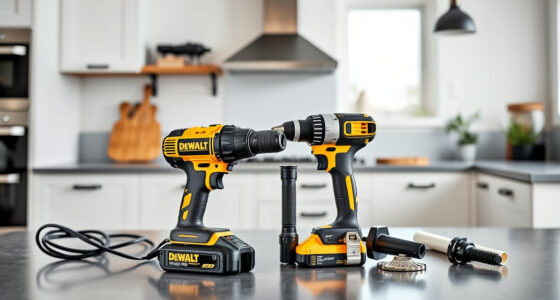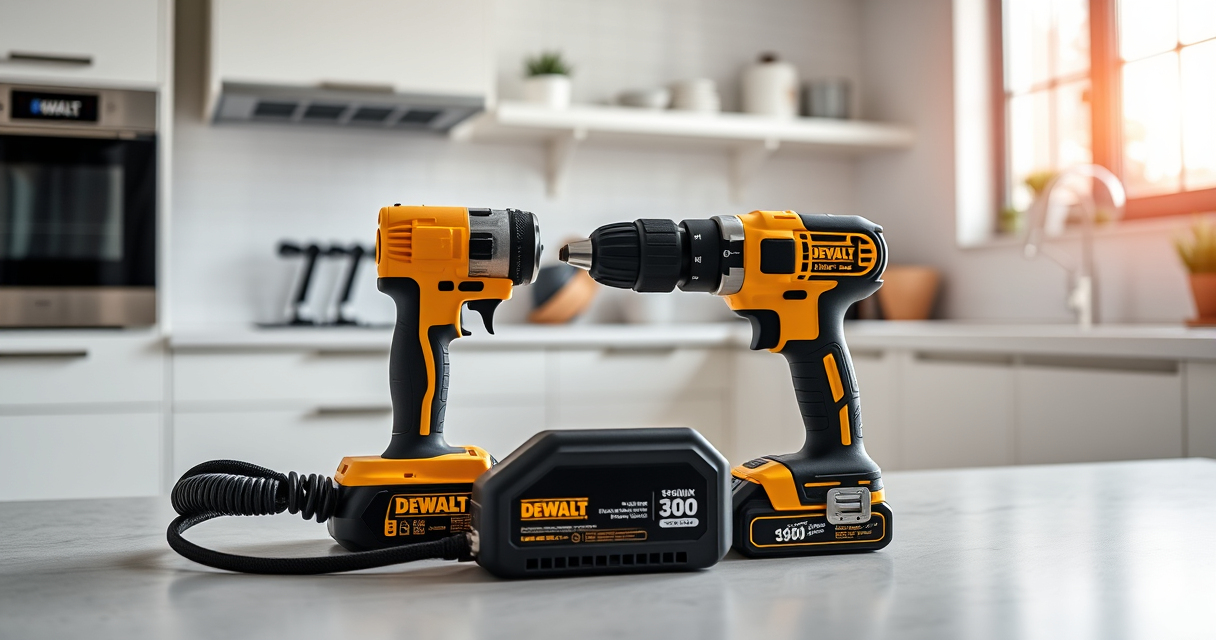
DEWALT power tools are renowned for their durability and performance, but like any electric tools, they can sometimes overheat during extended use. Overheating can damage internal components, reduce efficiency, and shorten the lifespan of your tool. Understanding the common causes and knowing how to troubleshoot safely can help you maintain optimal operation and prevent costly repairs.

Get business pricing on tools and workshop supplies
- Business-only prices and quantity discounts
- Tax-exempt purchasing
- Multiple users, one account, clear invoices
This guide provides clear, step-by-step instructions on diagnosing overheating issues in your DEWALT cordless drill and impact driver, along with practical fixes to keep your tools running smoothly. Whether you’re a professional or a DIY enthusiast, these tips will help you troubleshoot effectively and extend the life of your equipment.
Key Takeaways
| Overheating causes | Extended use, heavy load, poor ventilation, or battery issues. |
| Prevention tips | Use the tool within recommended limits and ensure proper cooling. |
| Troubleshooting steps | Inspect vents, check batteries, and allow cooling time. |
| Safe fixes | Power off, unplug, and let the tool cool before further inspection. |
| When to seek repair | Persistent overheating despite troubleshooting indicates professional service needed. |
Understanding Why Your DEWALT Tool Overheats
Overheating in DEWALT power tools typically occurs when the internal motor or electronic components generate excessive heat during operation. Common causes include prolonged use without breaks, working under heavy loads, obstructed ventilation ports, or faulty batteries. Recognizing these factors helps prevent damage and ensures your tool remains reliable.
Specifically, the DEWALT 20V MAX Cordless Drill and Impact Driver (model DCK277D2) can overheat if used continuously in demanding tasks like drilling into dense materials or with extended trigger presses. Batteries, like the DEWALT 20V MAX 5 Ah Lithium Ion Battery (DCB205-2), can also contribute to overheating if they are faulty, damaged, or not properly cooled during heavy use.
Step 1: Stop Using the Tool Immediately
- As soon as you notice the tool becoming excessively hot, release the trigger and turn off the device.
- Unplug the tool from the power source or remove the battery to prevent further heat buildup.
- Allow the tool to cool down naturally in a well-ventilated area for at least 15-30 minutes before inspecting or attempting to use it again.
Step 2: Inspect and Clean Ventilation Openings
- Check all air vents and cooling slots on your DEWALT drill or impact driver for dust, debris, or obstructions.
- Use compressed air to carefully blow out any dirt or buildup that may impede airflow. Do not insert objects into vents.
- Ensure that vents are clear to allow proper cooling during operation.
Step 3: Examine the Battery and Connections
Faulty or overheated batteries can cause the entire tool to overheat. Remove the battery and inspect for signs of swelling, corrosion, or damage. Use a different, fully charged battery to test if overheating persists. If the new battery operates normally, replace the faulty battery.
Also, ensure the battery contacts are clean and free of debris, as poor contact can lead to increased resistance and heat generation.
Step 4: Test the Tool Under Controlled Conditions
After allowing cooling and cleaning, test the tool in a controlled environment. Use it for a few short bursts rather than continuous operation. Observe if it heats up quickly or if the overheating issue recurs.
If the problem persists despite these measures, further inspection or professional repair may be necessary to check for internal motor or electronic faults.
Tips and Warnings for Safe Troubleshooting
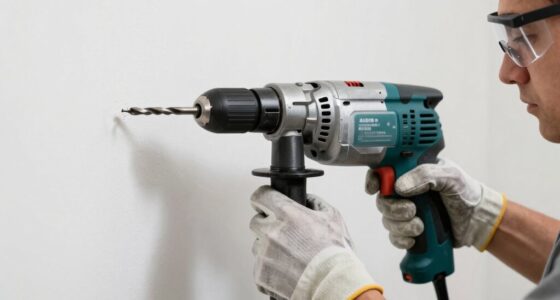
- Always wear safety goggles and gloves when inspecting or cleaning your power tools.
- Never attempt to disassemble the motor or electronic components yourself; consult a professional if needed.
- Use the tool within its designed capacity and avoid overloading it.
- Ensure proper ventilation and avoid using the tool in confined, poorly ventilated spaces.
The Products in This Guide

DEWALT 20V MAX Cordless Drill and Impact Driver
- ✔ Size: 7.6-inch front-to-back
- ✔ Grip: Ergonomic comfort
- ✔ Lighting: LED with 20-second delay

DEWALT Drill Bit Set
- ✔ Size Markings: On shank
- ✔ Web Design: Tapered
- ✔ Use Type: Hand or drill-powered
DEWALT 20V MAX Cordless Drill and Impact Driver
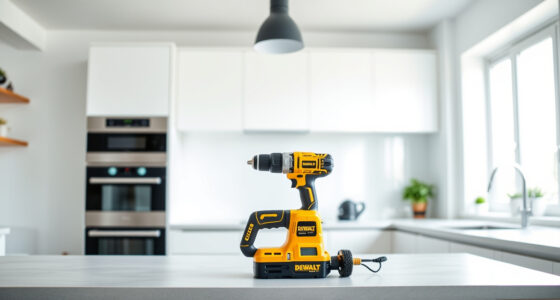
The DEWALT 20V MAX Cordless Drill and Impact Driver (DCK277D2) offers a compact, lightweight design with brushless motors for enhanced efficiency. Its ergonomic grip and LED work light improve usability in tight or dark spaces. While generally reliable, overheating can occur with extended use, so proper troubleshooting is key to maintaining performance.
Pros:
- Brushless motors for efficiency
- Lightweight and ergonomic design
- Includes 2 batteries and charger
- Bright LED for visibility
Cons:
- Potential for overheating with heavy use
- Batteries may need replacement over time
- Limited to 20V system
Best for: DIY projects, home repairs, and professional use requiring reliable cordless power.
Not ideal for: Extended continuous heavy-duty applications without breaks or cooling periods.
Bottom line: A versatile, reliable cordless drill and impact driver combo suitable for a range of tasks, with proper use preventing overheating.
DEWALT Drill Bit Set
The DEWALT 14-Piece Drill Bit Set features high-speed steel with a black and gold coating for rust resistance, making it ideal for plastic, wood, and metal. Its 135-degree split point reduces walking and ensures precise drilling, complementing your power tools for efficient work.
Pros:
- Corrosion-resistant coating
- Split point design for accuracy
- Versatile for different materials
- High durability
Cons:
- Limited number of bits
- Not suitable for heavy-duty industrial use
- Requires compatible drill chuck
Best for: Home workshops and light to medium DIY projects requiring precise drilling.
Not ideal for: Heavy industrial applications or prolonged use with high-torque requirements.
Bottom line: A reliable drill bit set that enhances precision and durability for various materials, perfect for general purpose use.
Frequently Asked Questions
Why does my DEWALT tool overheat so quickly?
Overheating can result from heavy continuous use, working under high loads, poor ventilation, or faulty batteries. Allow the tool to rest periodically and ensure vents are clear.
How can I prevent my DEWALT drill from overheating?
Use the drill within its recommended capacity, take regular breaks during extended operation, keep vents clean, and avoid overloading the tool.
What should I do if my DEWALT impact driver gets hot?
Immediately stop using the impact driver, unplug or remove the battery, allow it to cool in a ventilated area, and inspect for damage or obstructions.
Can I fix overheating issues myself?
Basic issues like cleaning vents and replacing batteries can be handled safely. For internal motor or electronic problems, consult a professional or authorized service center.
How long should a DEWALT battery last under normal use?
With proper care, a DEWALT 5Ah lithium-ion battery can provide several hours of runtime depending on the task, but always monitor the temperature during heavy use.
Keep Your DEWALT Tools Cool and Reliable
Proper maintenance and mindful operation are key to preventing overheating in your DEWALT power tools. Regularly inspecting vents, avoiding overloads, and allowing sufficient cooling time will extend the lifespan of your equipment and ensure safe, efficient performance. When issues arise, follow the troubleshooting steps carefully or seek professional help to keep your tools in top condition for all your projects.
Affiliate disclosure: As an Amazon Associate we earn from qualifying purchases. Prices and availability are accurate as of the time of publishing.
Fall yard work Picks
leaf blowers
As an affiliate, we earn on qualifying purchases.