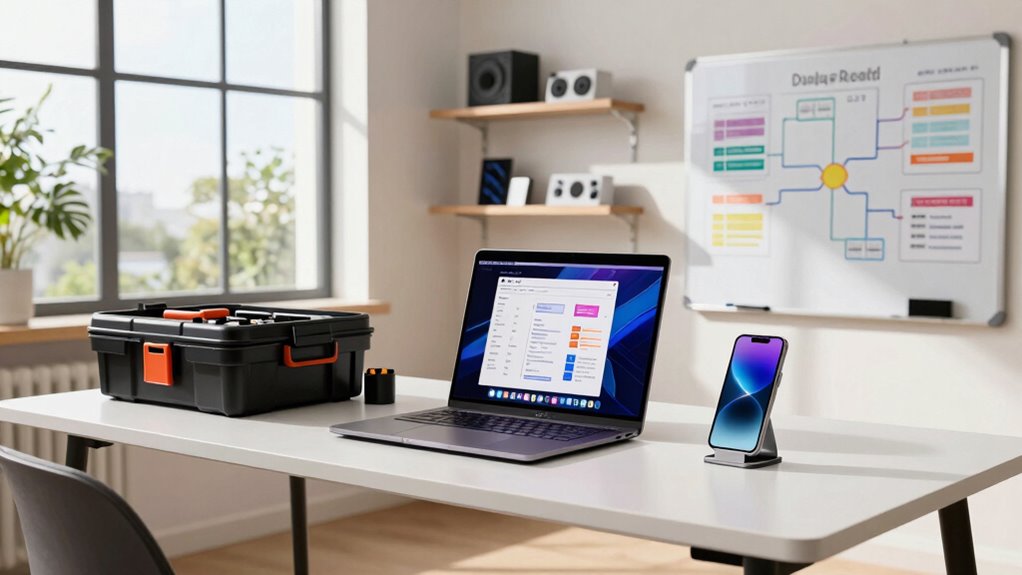

To guarantee a smooth demo day at home, organize your tools using project management apps like Trello or Asana to track tasks and deadlines. Keep all files accessible through cloud storage like Google Drive, and rehearse using a reliable platform such as Zoom or Teams, recording your sessions for review. Manage your time with calendar reminders, test your tech setup beforehand, and create a distraction-free workspace. If you follow these steps, you’ll be ready to shine—there’s more to explore for perfect prep.
Key Takeaways
- Use project management tools like Trello or Asana to organize and track preparation tasks with deadlines.
- Store and share all presentation files on cloud platforms like Google Drive for easy access and updates.
- Conduct multiple rehearsals via Zoom or Teams, recording sessions for review and improvement.
- Schedule rehearsals and tasks using calendar apps, setting reminders to ensure timely progress.
- Test all virtual platform features and backup internet options to troubleshoot technical issues proactively.
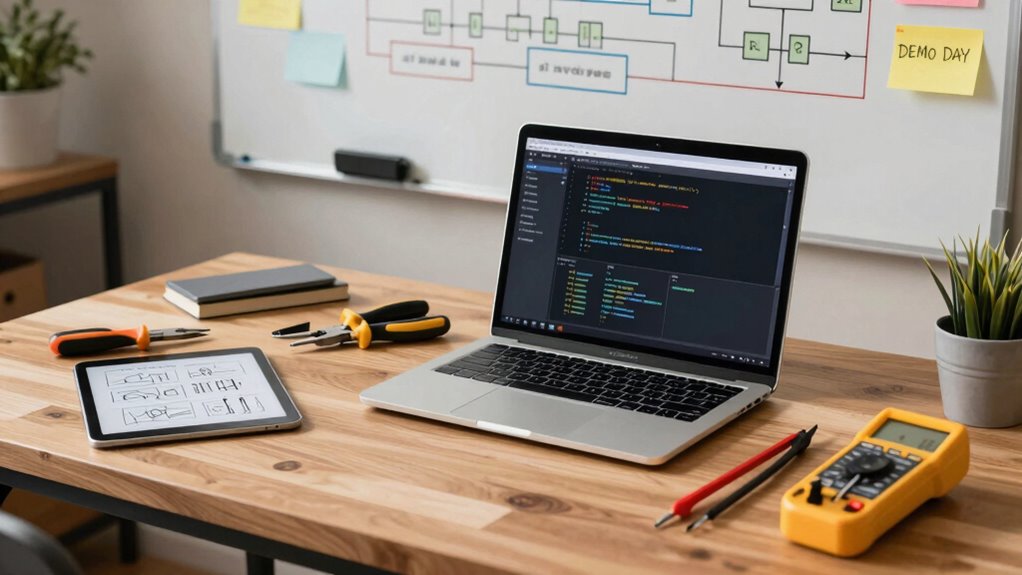
Preparing for Demo Day at home can feel overwhelming, but having the right tool workflow makes all the difference. You want to deliver a compelling virtual presentation that captures your audience’s attention and clearly demonstrates your project’s value. To do that, you need a streamlined process that keeps you organized, confident, and on schedule. The key lies in choosing tools that support effective time management and facilitate a seamless virtual presentation experience.
A well-organized tool workflow boosts confidence and ensures a smooth, impactful virtual Demo Day from home.
Start by selecting a reliable project management tool, like Trello or Asana, to plan and track every step of your prep. Break down your tasks into manageable chunks—creating slides, rehearsing your pitch, refining your visuals—and set deadlines for each. This helps you stay on top of your timeline, avoiding last-minute stress. As you prepare your materials, use cloud storage solutions like Google Drive or Dropbox so you can access your files from anywhere and easily share updates with mentors or teammates if needed.
For your virtual presentation, invest in a good-quality webcam, microphone, and stable internet connection. When it’s time to rehearse, use screen-sharing features in Zoom or Microsoft Teams to simulate the actual presentation environment. Record your practice sessions so you can review your delivery, identify areas for improvement, and build confidence. Remember, practicing multiple times ensures smooth transitions and minimizes technical glitches during the real demo. Incorporating effective time management techniques can further streamline your prep and reduce last-minute anxiety. Additionally, understanding the importance of technical readiness can help you troubleshoot potential issues before they arise. Practicing your presentation with a backup plan prepared can prevent disruptions if technical problems occur unexpectedly.
Time management is vital, especially when juggling multiple tasks at home. Use calendar apps such as Google Calendar or Outlook to block dedicated time slots for rehearsals, adjustments, and final reviews. Setting alarms or reminders can keep you on track and prevent overruns. Keep your workspace organized so you’re not wasting precious minutes searching for files or tools during your presentation prep. A clean, distraction-free environment boosts focus and reduces last-minute panic.
Finally, familiarize yourself with the virtual presentation platform you’ll use. Test all features beforehand—sharing screens, muting/unmuting, using chat functions—so you’re comfortable during the actual demo. Having a backup plan, like an alternative internet connection or a backup device, can save you from unexpected technical failures. Incorporating cross-cultural communication strategies can also help you connect more effectively with diverse audiences during your presentation. Additionally, understanding the effective use of visuals can enhance your message and make your demonstration more engaging. When you approach Demo Day with a clear workflow that emphasizes effective time management and a polished virtual presentation, you’ll feel more prepared and confident to showcase your project successfully from home.
HD webcam for virtual presentations
As an affiliate, we earn on qualifying purchases.
As an affiliate, we earn on qualifying purchases.
Frequently Asked Questions
How Early Should I Start Preparing My Demo Tools?
You should start preparing your demo tools at least two weeks in advance to guarantee ample time for testing and refinement. This helps you manage your time effectively and avoid last-minute stress. A well-prepared product presentation will impress your audience and showcase your project’s strengths. Early preparation also allows you to identify and fix potential issues, giving you confidence during your demo and making your overall demo day experience smoother.
What Backup Tools Should I Have Ready?
Ever wondered what backup tools guarantee your demo presentation goes smoothly? You should have a secondary device, like a tablet or another laptop, ready with your presentation loaded. Keep extra cables, batteries, and a portable Wi-Fi hotspot handy. These backup options help you stay calm and confident, even if technical issues arise. Incorporate presentation tips like practicing with your backup tools to guarantee a seamless demo presentation, no matter what unexpectedly happens.
How Do I Troubleshoot Technical Issues During the Demo?
If you encounter technical issues during your demo, stay calm and quickly switch to your backup plan, like a pre-recorded video or alternative device. Check your virtual setup, confirm your internet connection is stable, and verify all connections and software are running smoothly. Engage your audience by explaining the issue briefly and demonstrating your problem-solving skills, which can turn a potential mishap into an impressive display of adaptability and professionalism.
What Attire Is Appropriate for a Home Demo Day?
You should opt for professional attire to make a strong impression during your home demo day. While casual dress might seem tempting, it risks undermining your credibility. Imagine the impact if you surprise your audience with polished, confident presence—professional attire signals you’re serious about your project. So, choose clean, neat clothing that reflects your dedication, and you’ll set the perfect tone for a successful demo.
How Can I Ensure My Internet Connection Is Reliable?
You can guarantee your internet connection is reliable by optimizing bandwidth, which involves minimizing background activities and prioritizing your demo day traffic. Secure your Wi-Fi with strong passwords and enable encryption to prevent disruptions or unauthorized access. Test your connection beforehand, use a wired Ethernet connection if possible for stability, and keep your router firmware updated. These steps help maintain a steady, secure internet connection during your demo presentation.
USB microphone for online meetings
As an affiliate, we earn on qualifying purchases.
As an affiliate, we earn on qualifying purchases.
Conclusion
By following this streamlined tool workflow, you’re well on your way to delivering a confident, polished demo from home. Remember, over 70% of remote presentations see increased engagement when using the right tools effectively. So, prepare your tech, practice your pitch, and stay adaptable. Your demo day success depends on your readiness—embrace the process, and you’ll impress your audience every time. You’ve got this!
As an affiliate, we earn on qualifying purchases.
As an affiliate, we earn on qualifying purchases.