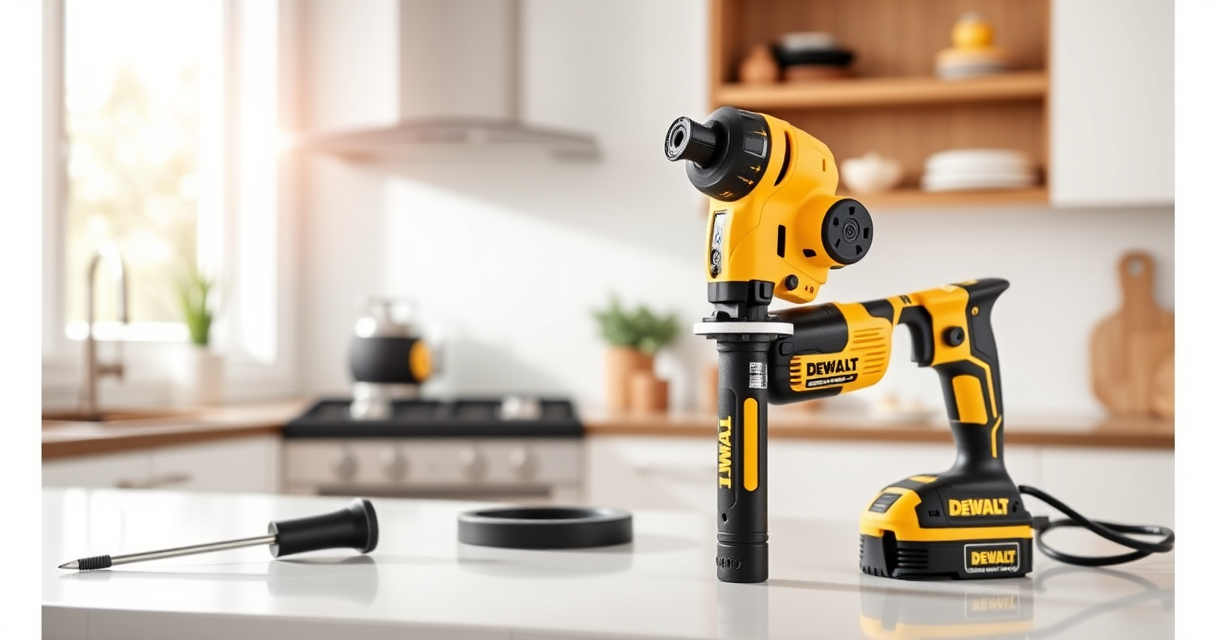

If your DEWALT cordless drill or impact driver keeps getting its chuck stuck, it can be frustrating and hinder your work. Often, the issue stems from dirt, rust, or debris buildup, or from a worn-out chuck mechanism. Fortunately, with some basic tools and careful steps, you can troubleshoot and fix this problem yourself, saving time and repair costs.
Before starting, ensure your tool is unplugged or the battery is removed for safety. This guide will walk you through the necessary steps to safely loosen and repair a stuck chuck on your DEWALT power tool, specifically the DEWALT 20V MAX Cordless Drill and Impact Driver.
Key Takeaways
| Safety First | Always unplug or remove the battery before attempting repairs. |
| Identify the Cause | Stuck chucks often result from dirt, rust, or worn-out parts. |
| Tools Needed | A hex wrench, lubricant, and possibly a punch or hammer. |
| Cleaning & Lubrication | Cleaning the chuck and applying lubricant can often resolve sticking. |
| Replacement Parts | Worn-out chucks may need replacement if cleaning doesn’t help. |

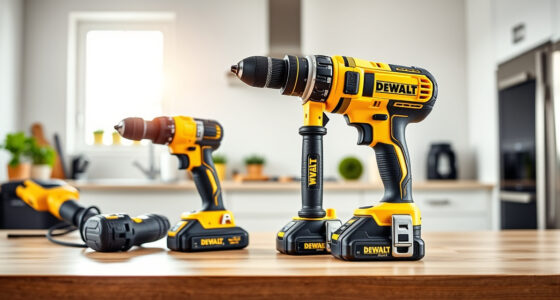
DEWALT 20V MAX Cordless Drill and Impact Driver, Power Drill Brushless 2-Tool Power Tool Combo Kit, Includes 2 Batteries, Charger and Bag (DCK277D2)
The compact 7.6-inch front-to-back, lightweight design fits into tight areas, making it an ideal choice for a power...
As an affiliate, we earn on qualifying purchases.
Preparing Your Workspace and Safety Measures
- Disconnect the tool: Remove the battery from your DEWALT drill or impact driver to prevent accidental activation.
- Gather tools: You’ll need a hex wrench (usually ¼ inch), a small punch or screwdriver, penetrating oil (like WD-40), and a cloth.
- Work in a well-lit, clean area: This ensures safety and makes the process easier.
Always wear safety glasses to protect your eyes from debris or accidental slips. If the chuck is extremely stuck, avoid forcing it too hard to prevent damaging the internal mechanism.

DEWALT Drill Bit Set, 3-Flats Shank,14-Piece, 135 Degree Split Point, for Plastic, Wood and Metal (DWA1184)
135 Degree Split point tip design to help reduce walking
As an affiliate, we earn on qualifying purchases.
Loosening a Stuck Chuck: Step-by-Step
- Secure the tool: Place the drill or impact driver on a stable surface or hold it firmly in your hand.
- Apply penetrating oil: Spray a small amount of WD-40 or similar lubricant into the chuck opening. Let it sit for 10-15 minutes to loosen rust or debris.
- Use the hex wrench: Insert the hex wrench into the chuck’s tightening or loosening hole (if available). Turn counterclockwise to loosen. If the chuck spins freely, try manually turning it to loosen it further.
- Tap gently if needed: If the chuck remains stuck, gently tap around the chuck with a small punch or screwdriver handle to help break corrosion. Be careful to avoid hitting internal parts.
- Attempt to manually unscrew: Use your hand or pliers to turn the chuck counterclockwise. If it won’t budge, repeat the oil application and tapping process.
Patience and repeated efforts are often necessary. Do not force the chuck excessively to prevent internal damage.
Cleaning and Lubricating the Chuck
- Remove the chuck: Use the hex wrench to hold the chuck and turn it counterclockwise to unscrew it from the spindle. If it’s stuck, repeat the lubrication and tapping steps.
- Clean the parts: Wipe away dirt, rust, and debris with a cloth. Use a small brush if needed.
- Lubricate the chuck: Spray a light coat of lubricant inside the chuck and on the spindle threads. This helps prevent future sticking.
- Reassemble: Screw the chuck back onto the spindle by hand, then tighten securely with the hex wrench.
Proper cleaning and lubrication can restore smooth operation and prevent the chuck from sticking again.
Replacing the Chuck if Necessary
If cleaning and lubrication do not solve the sticking issue, the chuck may be worn out or damaged. In such cases, replacing the chuck is advisable. Refer to your DEWALT drill’s manual for specific part numbers and instructions.
To replace the chuck:
- Remove the old chuck: Use the appropriate tools (often a chuck removal key or hex wrench) to unscrew and detach the worn chuck.
- Install the new chuck: Thread the new chuck onto the spindle, turning clockwise. Ensure it’s tight and secure.
- Test: Insert a drill bit and operate the drill to confirm smooth operation.
If unsure, consider consulting a professional repair service or contacting DEWALT support.
Tips and Warnings for Safe and Effective Troubleshooting
- Always disconnect power: Never work on a powered tool to avoid injury.
- Use the correct tools: A hex wrench or punch designed for your model will prevent damage.
- Apply lubricant sparingly: Excess lubricant can attract dirt, making the problem worse.
- Don’t force the chuck: Excessive force can damage internal threads or gears.
- Regular maintenance: Keep the chuck clean and lubricated after each use to prevent sticking.
If you’re uncomfortable performing these steps or if the problem persists, seek professional repair assistance.
The Products in This Guide

DEWALT 20V MAX Cordless Drill and Impact Driver
- ✔ Front-to-back: 7.6 inches
- ✔ Battery Capacity: 5Ah
- ✔ Warranty: 3-year

DEWALT Drill Bit Set
- ✔ Number of Bits: 14
- ✔ Tip Style: Split point
- ✔ Material: High Speed Steel
DEWALT 20V MAX Cordless Drill and Impact Driver
The DEWALT 20V MAX Cordless Drill and Impact Driver set offers dependable performance with a brushless motor and quick change hex chuck. Its ergonomic design makes it suitable for a variety of tasks, and the LED light enhances visibility in dark spaces. Proper maintenance, including fixing a stuck chuck, ensures long-lasting use.
Pros:
- Brushless motor for efficiency
- Compact and lightweight design
- Quick release hex chuck
- Includes 2 batteries and charger
Cons:
- Chucks can sometimes get stuck
- Lightweight design may feel less sturdy for heavy-duty tasks
Best for: DIY enthusiasts and professionals needing a reliable cordless drill and impact driver combo
Not ideal for: Heavy industrial applications or prolonged use without maintenance
Bottom line: A versatile and dependable cordless drill set, easy to maintain with simple troubleshooting for a stuck chuck.
DEWALT Drill Bit Set
Pair your DEWALT drill with this 14-piece drill bit set, featuring high-speed steel bits with a 135-degree split point. Designed to reduce walking and ensure precise drilling into plastic, wood, and metal, these bits are durable and easy to identify thanks to size markings.
Pros:
- Durable high-speed steel
- Reduce walking with split point tip
- Color-coded for quick size identification
- Includes a variety of sizes
Cons:
- Only compatible with certain drill sizes
- May require additional bits for specific tasks
Best for: General purpose drilling in various materials
Not ideal for: Heavy-duty industrial applications
Bottom line: A versatile drill bit set that enhances your drilling accuracy and durability.
Frequently Asked Questions
What causes the chuck to get stuck on a DEWALT drill?
Common causes include rust, dirt buildup, debris, or worn-out internal parts. Regular maintenance can prevent this issue.
Can I fix a stuck chuck myself?
Yes, with proper safety precautions and the right tools, you can loosen and clean a stuck chuck yourself. If it’s severely damaged, replacing it might be necessary.
What tools do I need to fix a stuck chuck?
A hex wrench, penetrating oil like WD-40, a small punch or screwdriver, and a cloth are typically needed.
How often should I clean and lubricate my chuck?
It’s advisable to clean and lubricate the chuck after heavy use or if you notice sticking or difficulty in changing bits.
When should I replace my chuck?
If cleaning and lubrication do not resolve sticking issues, or if the chuck shows signs of damage or excessive wear, replacement is recommended.
Keep Your DEWALT Power Tools in Top Shape
Regular maintenance and prompt troubleshooting can extend the lifespan of your DEWALT power tools. Fixing a stuck chuck is straightforward if approached with patience and the right steps. Always prioritize safety and consult professional repair services if needed. Proper care ensures your tools remain reliable for all your projects.
Affiliate disclosure: As an Amazon Associate we earn from qualifying purchases. Prices and availability are accurate as of the time of publishing.