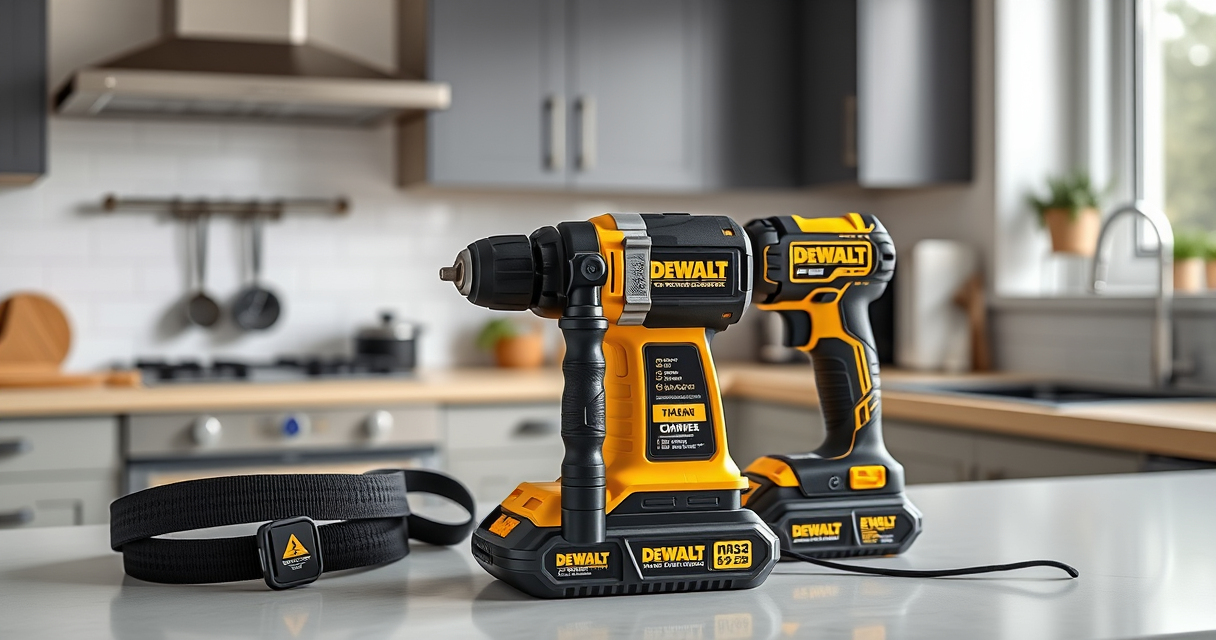

Getting your new DEWALT power tools ready for use is straightforward when you follow proper setup procedures. This guide walks you through the essential steps to assemble, test, and troubleshoot your DEWALT 20V MAX cordless drill, ensuring safe and effective operation from the start.
Whether you’re a DIY enthusiast or a professional, correct setup maximizes performance and longevity of your tools. Let’s get your DEWALT drill ready for your next project.
Key Takeaways
| Powerful and compact | The DEWALT 20V MAX drill offers a brushless motor for longer run time and a lightweight design for tight spaces. |
| Easy assembly | Properly installing the battery and chuck ensures safe and efficient operation. |
| Safety first | Always wear protective gear and double-check all connections before use. |
| Accessory compatibility | Use recommended drill bits and accessories for best results. |
| Troubleshooting | Learn common issues and solutions to keep your drill running smoothly. |

DEWALT 20V MAX Cordless Drill Driver Set, Electric Drill, Brushless 1/2 In 2 Speed, 2.0 Ah Battery and Charger Included, LED Light (DCD777D1)
- Motor Type: Brushless motor for longer run time
- Size: Compact 7.6-inch design
- Design: Lightweight for easy handling
As an affiliate, we earn on qualifying purchases.
Unboxing and Inspecting Your DEWALT Drill
- Carefully remove the drill and accessories from the packaging. Check for any visible damage or missing parts, especially the battery and charger.
- Verify that the included features match the product description: brushless motor, LED light, 2-speed transmission, and 1/2-inch ratcheting chuck.

DEWALT Drill Bit Set, 3-Flats Shank,14-Piece, 135 Degree Split Point, for Plastic, Wood and Metal (DWA1184)
- Split point tip: Reduces walking during drilling
- Material: High Speed Steel for versatile use
- Durability: Tapered web design resists breakage
As an affiliate, we earn on qualifying purchases.
Installing the Battery
- Align the battery contacts with the slot on the base of the drill.
- Push the battery firmly into the slot until it clicks, ensuring it’s securely attached.
- Check the LED indicator to verify the battery is properly installed and charged.
Testing the Drill Before Use
- Hold the trigger to activate the LED light and verify illumination.
- Test the two-speed transmission by switching between speeds and pulling the trigger to ensure smooth operation.
- Perform a quick test on a scrap material with a suitable drill bit to confirm proper function.
Using and Maintaining Your DEWALT Drill
Always use compatible accessories, such as the DEWALT Drill Bit Set, for optimal performance. Keep the drill clean and store it in a dry place. Regularly check the battery charge and replace if capacity diminishes. Follow safety guidelines to prevent accidents.
Troubleshooting Common Issues
- If the drill doesn’t start, check the battery charge and ensure it’s properly seated.
- For inconsistent power, inspect the brushes and motor or replace the battery if it’s old or damaged.
- If the LED light doesn’t work, verify the trigger and light connection.
The Products in This Guide

DEWALT 20V MAX Cordless Drill Driver Set
- ✔ Weight: 3.8 lbs
- ✔ Length: 7.6 inches
- ✔ Warranty: 3 years

DEWALT Drill Bit Set
- ✔ Weight: 0.5 lbs
- ✔ Package Dimensions: 6 x 4 x 1 inches
- ✔ Warranty: None specified
DEWALT 20V MAX Cordless Drill Driver Set
The DEWALT 20V MAX Cordless Drill Driver Set combines power, efficiency, and ease of use, making it ideal for both professional and DIY projects. Its brushless motor ensures longer run times, and the compact design allows for working in tight spaces.
Pros:
- Brushless motor for longer runtime
- Lightweight and ergonomic design
- LED light for visibility
- 2-speed transmission for versatility
Cons:
- Battery life may vary with heavy use
- Requires compatible accessories
- Limited to 1/2 inch chuck capacity
Best for: General-purpose drilling, fastening, and light construction tasks
Not ideal for: Heavy-duty industrial use or large diameter drilling
Bottom line: A versatile, reliable drill perfect for most home and professional projects.
DEWALT Drill Bit Set
Pair your DEWALT drill with this 14-piece drill bit set for a comprehensive toolkit capable of handling various materials. The 135-degree split point helps reduce walking during drilling, improving accuracy.
Pros:
- Durable High-Speed Steel
- Includes common sizes
- Rust-resistant coating
- Easy size identification
Cons:
- Limited to standard drill bits
- Not suitable for heavy-duty industrial tasks
- Requires proper storage to avoid damage
Best for: General drilling in plastic, wood, and metal
Not ideal for: Heavy industrial drilling or large diameter holes
Bottom line: A solid drill bit set that enhances your drilling capabilities with DEWALT tools.
Frequently Asked Questions
How do I change the drill bit on my DEWALT drill?
To change the bit, hold the chuck collar and turn it counter-clockwise to open. Insert the new bit fully into the chuck and turn the collar clockwise to tighten securely.
What type of batteries are compatible with my DEWALT drill?
The DEWALT 20V MAX cordless drill is compatible with DEWALT 20V MAX batteries, including the 5.0 Ah model, which provides longer runtime.
How can I extend the lifespan of my batteries?
Keep batteries charged between uses, store them in a cool, dry place, and avoid completely discharging them frequently. Regularly inspect for damage and replace if necessary.
What safety precautions should I follow when setting up my drill?
Always wear safety glasses, ensure the drill is unplugged or the battery is removed during setup, and work in a well-lit, stable environment to prevent accidents.
Getting Your DEWALT Power Tools Ready for Action
Proper setup is crucial to maximize the performance and safety of your DEWALT power tools. By following these clear, step-by-step instructions, you can ensure your drill is ready to tackle any project with confidence. Regular maintenance and correct accessory use will prolong the life of your tools and keep them functioning at their best.
Affiliate disclosure: As an Amazon Associate we earn from qualifying purchases. Prices and availability are accurate as of the time of publishing.