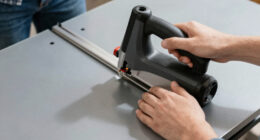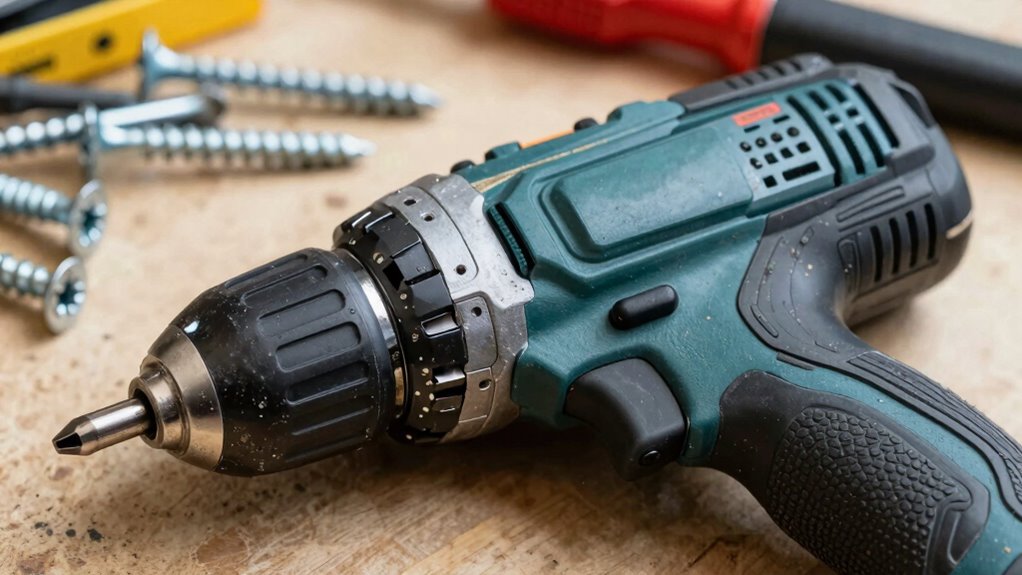

Many DIYers overlook the importance of adjusting impact driver settings, often using maximum torque for all tasks. This can strip screws, damage delicate materials, or cause premature tool wear. You might not realize that different projects require specific torque levels, making control essential. Using the wrong settings can compromise your results and even harm your tools. If you want to master proper impact driver habits and avoid common mistakes, there’s more valuable info ahead.
Key Takeaways
- Using maximum torque settings unnecessarily, risking damage to materials and fasteners.
- Ignoring the importance of matching the impact driver with compatible batteries for optimal performance.
- Failing to read the manual, leading to misadjusted settings and inefficient work.
- Overlooking the impact of different settings on project outcomes, resulting in overdriving or incomplete tasks.
- Neglecting proper setup and fine-tuning, which can reduce tool lifespan and compromise results.
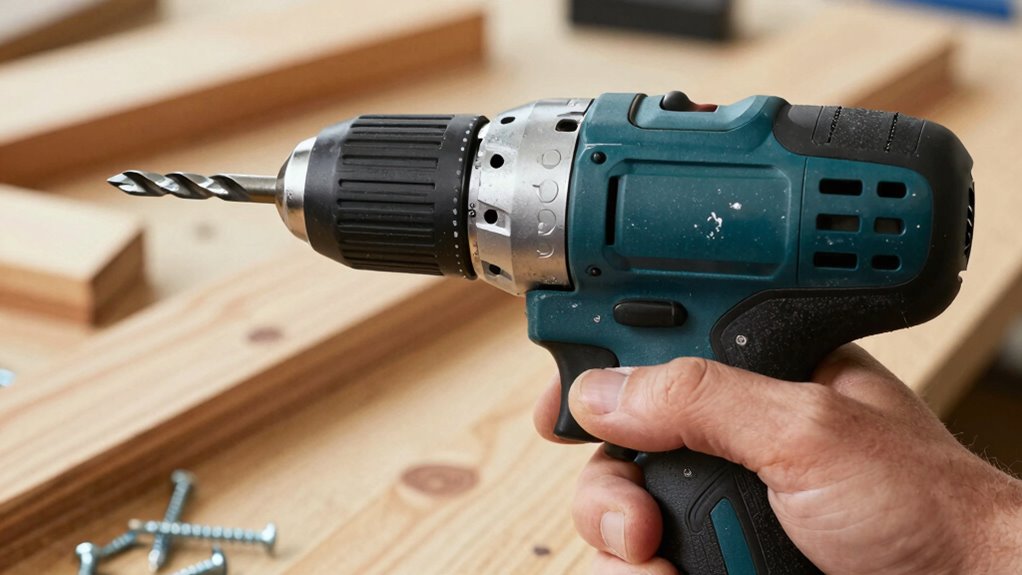
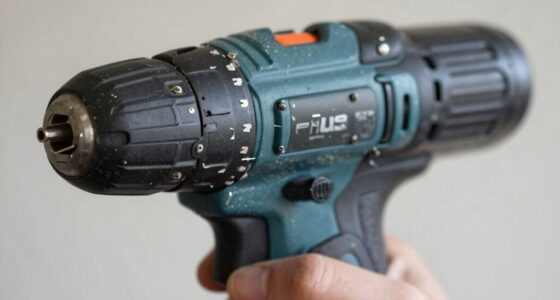
Adjusting the impact driver settings correctly can make a significant difference in your DIY projects. Many DIYers overlook the importance of properly configuring their impact driver, especially when it comes to features like torque adjustment and understanding battery compatibility. These small, often overlooked details can determine whether your project turns out successful or ends in frustration. One common mistake is not paying attention to torque settings; many assume that maximum torque is always the best choice. However, applying too much torque can strip screws, damage materials, or cause unnecessary wear on your tools. Instead, you should learn to adjust the torque based on the task at hand. For delicate projects, lower torque settings prevent overdriving or damaging the workpiece, while higher settings are better suited for tougher materials.
Adjust impact driver torque settings to match the project for optimal results and prevent damage.
Another mistake many DIYers make is ignoring battery compatibility. Not all impact drivers are created equal, and using a battery that isn’t compatible with your specific model can cause performance issues or even damage the tool. Always check the manufacturer’s specifications for battery compatibility before powering up. Using the right batteries guarantees your impact driver functions efficiently, maintains consistent power, and prolongs the lifespan of both the tool and the batteries. It’s also worth noting that many modern impact drivers feature variable speed controls, which are directly linked to torque adjustment. Failing to utilize the variable speed settings properly can lead to poor results or damage to your work material.
Many beginners also neglect to familiarize themselves with their impact driver’s manual. Understanding how to adjust torque and which batteries are compatible can save you time, money, and frustration. Take the time to read the instructions thoroughly—this knowledge enables you to switch settings quickly and confidently. Additionally, some DIYers assume that one setting fits all projects, but different materials and screw types demand different configurations. Being aware of impact driver features can further enhance your DIY success and prevent common pitfalls. Properly understanding tool capabilities ensures you make the most of your impact driver and avoid unnecessary setbacks. Gaining this knowledge also helps you make informed decisions about tool maintenance and troubleshooting, which can extend the overall lifespan of your equipment. Recognizing how impact driver settings influence the outcome can help you adapt to various project requirements more effectively.
Finally, a common misconception is that more power always equals better results. In reality, fine-tuning your impact driver’s settings allows for more precise, controlled work. By paying close attention to torque adjustment, ensuring battery compatibility, and understanding your tool’s capabilities, you’ll get better results and extend the life of your impact driver. Proper setup and thoughtful adjustments make all the difference, helping you complete projects efficiently and professionally. Recognizing the importance of proper impact driver setup can significantly improve your overall DIY experience.

SummerHouse 40lbf Torque Golf Wrench for Driver Clubs and Fairway Hybrids Adapter Sleeve and Head Weight Adjustment
40lb +/- 5 torsion, the best value to ensures that the clubs head and adapter screw are securely…
As an affiliate, we earn on qualifying purchases.
As an affiliate, we earn on qualifying purchases.
Frequently Asked Questions
How Do Impact Driver Settings Affect Battery Life?
Adjusting impact driver settings impacts your battery life by influencing battery efficiency and power management. Higher torque or speed settings draw more power, draining the battery faster. When you use lower settings for lighter tasks, you conserve energy and extend your tool’s runtime. By optimizing settings for each job, you improve power management, ensuring your impact driver lasts longer per charge and maintains efficiency throughout your projects.
Can Incorrect Settings Damage the Impact Driver?
Incorrect impact driver settings can indeed cause damage. If you ignore proper impact driver calibration and torque adjustment, you risk overloading the motor or stripping screws. Using settings that are too high for a task increases wear and tear, potentially leading to motor failure or broken parts. Always adjust torque and calibration correctly to avoid damaging your impact driver and guarantee ideal performance and longevity.
Are There Universal Impact Driver Settings for Different Projects?
Like a chameleon adapts, there are no universal impact driver settings for every project. You need to take into account impact driver ergonomics and compatibility with drill bits, adjusting settings accordingly. For light tasks, lower torque preserves your tool, while heavy-duty jobs demand higher settings. Always match your impact driver’s power to the task, ensuring efficiency and safety—no one-size-fits-all solution here, just mindful adjustments.
How Do I Adjust Settings for Driving Long Screws?
To drive long screws effectively, you should adjust your impact driver’s torque control to a moderate or high setting, depending on the screw length and material. Use a bit with the right depth and type, ensuring it fits snugly. Start with lower torque, then increase if needed. This prevents overdriving or damaging the screw, and helps you maintain control throughout the process.
What Safety Precautions Should I Take With Impact Driver Settings?
Did you know that proper handling reduces injury risk by 50%? When adjusting impact driver settings, always wear safety gear like goggles and gloves. Keep a firm grip, and make sure you’re standing in a stable position to control the tool. Check the settings before use, and avoid over-tightening. These precautions help prevent accidents, making your DIY projects safer and more efficient.

CRAFTSMAN 20V MAX Impact Driver Kit, 1/4 Inch, 2,800 RPM, LED Work light, Battery and Charger Included (CMCF800C1)
High performance: delivers 1,460 in-lbs. Of torque and max 2,800 rpms/3,100 ipms for quick fastening applications
As an affiliate, we earn on qualifying purchases.
As an affiliate, we earn on qualifying purchases.
Conclusion
Next time you pick up your impact driver, picture the tiny muscles in your hands working in harmony, guiding each turn with purpose. Remember, understanding the right settings is like tuning a finely crafted instrument—every twist and torque matters. Don’t let misconceptions cloud your judgment; instead, embrace the confidence that comes with knowing your tool. With the right approach, you’ll craft projects that stand tall like a well-built fortress, strong and enduring.

AVID POWER 20V Brushless 1/4'' Impact Driver Kit, 2220in-lbs High Torque, 2-Speed Mode, Variable Speed Cordless Impact Driver, Brake Stop Function, Compact Design with LED Light, 4 Sockets & 4 Bits
More Powerful Brushless Motor: This cordless impact driver upgrades to brushless high efficiency—enjoy up to 60% longer battery…
As an affiliate, we earn on qualifying purchases.
As an affiliate, we earn on qualifying purchases.

CRAFTSMAN Hand Impact Driver, 3/8-Inch Set (CMMT14104)
VERSATILITY: 5 bits for slotted and Phillips fasteners
As an affiliate, we earn on qualifying purchases.
As an affiliate, we earn on qualifying purchases.